Small Caps Text: What It Is and Where to Use It
Small caps are capital letterforms at lowercase height — the quiet emphasis. What they are in typography, the one missing letter, and where they paste.
Small caps text — ꜱᴍᴀᴌᴌ ᴄᴀᴘꜱ ᴛᴇxᴛ — is capital letterforms drawn at lowercase height. It's a real typographic style with centuries of print history, and the version you paste into bios is Unicode: small-capital characters that behave like ordinary text, so they work in any bio, display name, or message on any platform. You generate them with a free small caps generator, copy, and paste. Small caps are the quiet alternative to ALL CAPS — same shape language, half the volume — with one famous gap: Unicode never gave the letter x a small form, so ᴇxᴛʀᴀ keeps a plain x in the middle. This guide explains what small caps are, where the style comes from, exactly where it works, and how to use it without losing readability.
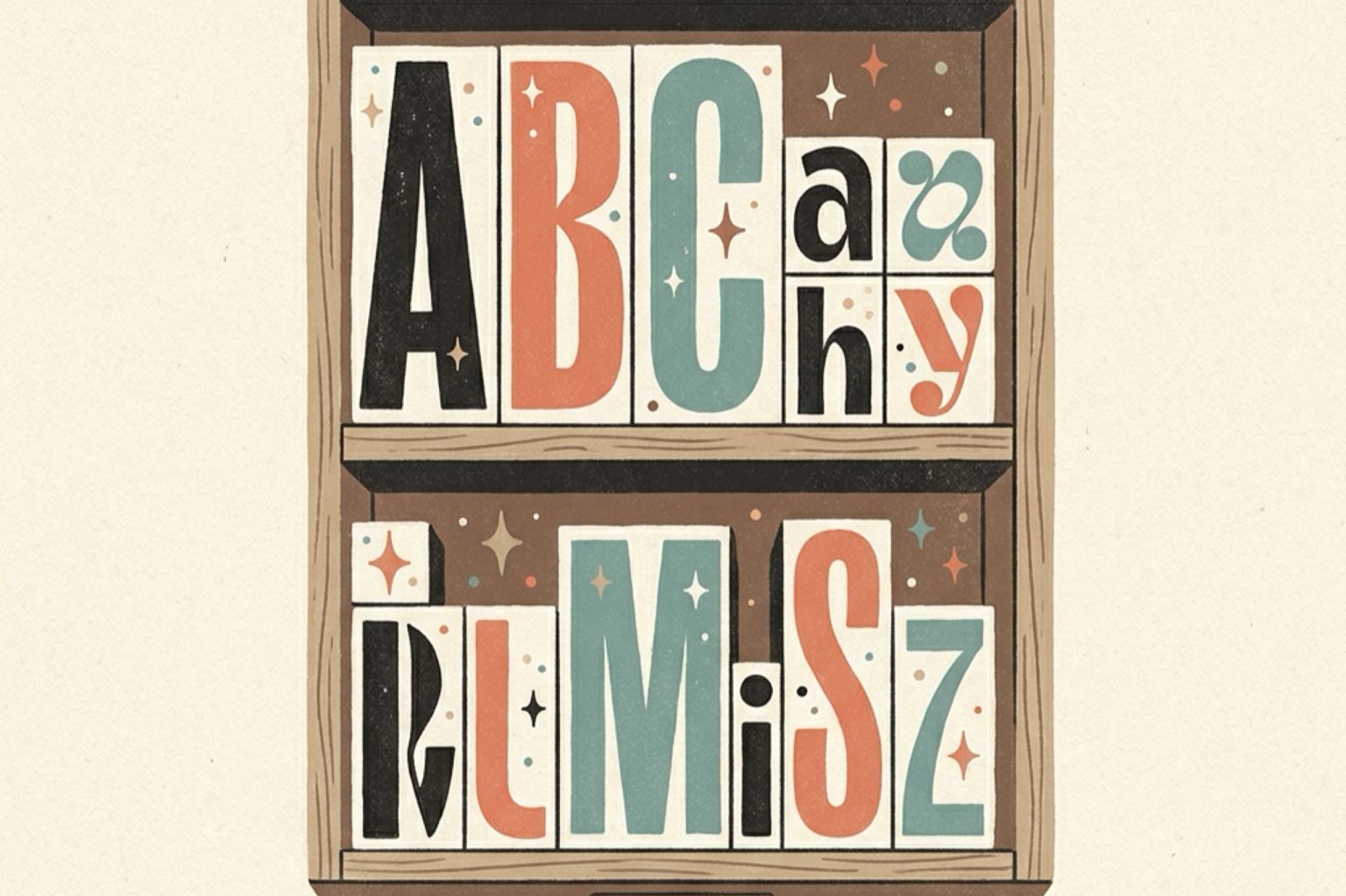
Make small caps in three steps
- Generate the text. Open the free small caps generator, type your word or phrase, and watch the preview convert as you type.
- Copy it. Tap the copy button — one tap, whole phrase.
- Paste it anywhere. Bios, display names, About lines, statuses, group names: small caps are ordinary Unicode text, so every platform accepts them.
No font install, no keyboard app. The small forms travel in the characters themselves, so they look identical on every device — and unlike ALL CAPS, they don't read as shouting.
What small caps actually are
In real typography, small caps are exactly what the name says: capital letters drawn at the height of lowercase letters. Print has used them for centuries — chapter openings, legal documents, brand wordmarks — because they give structure without the aggression of full capitals. "READ THIS" and ʀᴇᴀᴅ ᴛʜɪꜱ say the same words; one yells, the other suggests.
The Unicode versions come from the Phonetic Extensions block — characters linguists use to write pronunciation guides, which happen to be small capitals. That origin explains both the style's superpower and its one flaw:
The superpower: compatibility. Because linguistics uses these characters, every mainstream system font has carried them for years — phones, tablets, computers all render small caps cleanly. It's one of the safest styled families in Unicode.
The flaw: the missing x. The linguists' alphabet never needed a small-capital x, so Unicode has none — and ᴇxᴛʀᴀ, ᴛᴇxᴛ, and ᴌᴜxᴜʀʏ all keep a plain x sitting between small capitals. You can't fix it, only design around it: pick words without x, or accept the one taller letter as part of the look. The full conversion runs ᴀʙᴄᴅᴇꜰɢʜɪᴊᴋᴌᴍɴᴏᴘǫʀꜱᴛᴜᴠᴡxʏᴢ — every letter but that one.
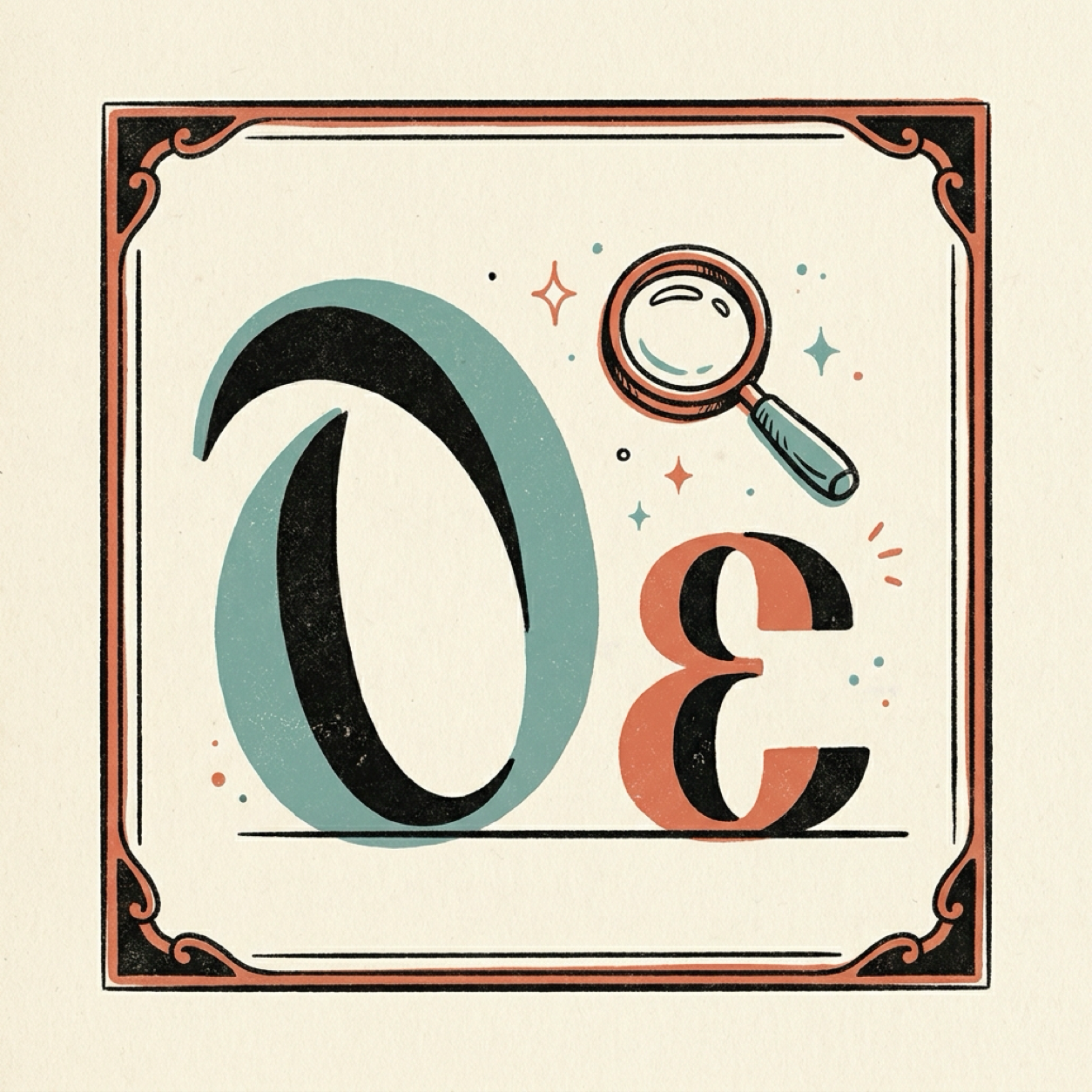
Small caps vs. every other emphasis
| Style | Sample | Voice | Where it fits |
|---|---|---|---|
| ALL CAPS | READ THIS | Shouting | Headers, warnings — rarely bios |
| Bold | 𝗥𝗲𝗮𝗱 𝘁𝗵𝗶𝘀 | Firm | Prices, deadlines — see the bold guide |
| Italic | 𝑅𝑒𝑎𝑑 𝑡ℎ𝑖𝑠 | Soft | Quotes, moods — see the italic guide |
| Small caps | ʀᴇᴀᴅ ᴛʜɪꜱ | Composed | Bios, names, section labels |
Small caps sit in a useful spot: more presence than italics, none of ALL CAPS's aggression. That's why the aesthetic-bio crowd adopted it — ꜱᴏꜰᴛ ᴌᴀᴜɴᴄʜ, ɴᴏ ᴛʜᴏᴜɢʜᴛꜱ, ᴠɪɴᴛᴀɢᴇ ᴠɪʙᴇꜱ all read as calm by design.
Where small caps work (and where they fail)
| Field | Works? | Notes |
|---|---|---|
| Bios (Instagram, TikTok) | Yes | The signature aesthetic-bio style |
| WhatsApp name, About, groups | Yes | Field limits in the WhatsApp guide |
| Discord display name, About Me | Yes | 32/190 character limits |
| Roblox display name | Yes | 20 characters |
| Chat messages | Yes | Renders everywhere |
| Usernames and @handles | No | Plain letters only |
| Whole paragraphs | Not recommended | Small forms are slower to read than lowercase |
The x-gap rule applies everywhere: words like "extra" or "luxury" carry one full-size x among the small capitals — check your phrase before pasting if uniformity matters to you.
Ready-to-paste small caps ideas
- Bio accent: ᴌɪᴛᴛᴌᴇ ᴍᴏᴍᴇɴᴛꜱ — the calm-bio classic
- Name line: ᴍᴏᴏᴅ — four glyphs, presence without volume
- Status: ꜱᴏꜰᴛ ᴌᴀᴜɴᴄʜ — announcement energy at whisper level
- Group label: ʀᴜᴌᴇꜱ — reads official without yelling at members
Mix with plain text: one small-caps line per profile keeps the composed feel — a whole bio in small capitals is just quiet shouting.
Frequently asked questions
Are small caps just smaller capital letters?
Visually, yes — that's the definition: capital shapes drawn at x-height, on the same baseline. In Unicode they're separate characters from the Phonetic Extensions block, which is why they paste as text and keep their size everywhere.
Why does the letter x stay big in my small caps text?
Unicode never assigned a small-capital x — the linguistics alphabet it borrowed from had no use for one. Every other letter converts (ᴀ through ᴢ, minus x), so words like "extra" or "text" show one plain x among the small capitals. There's no workaround; it's a gap in the standard itself.
Are small caps safe for usernames?
No — usernames reject all styled text on every major platform. Small caps belong in display names, bios, and About lines, which exist to be looked at rather than typed and searched.
Do screen readers handle small caps?
Better than most styled text. Screen readers generally read small capitals as normal letters rather than spelling them out one by one — the style is common in linguistics and accessibility tooling, so support is mature. Still, keep critical information (real name, contact details) in plain text.
Will small caps show up as boxes?
Very unlikely. The Phonetic Extensions characters have shipped in every mainstream font for years — they're used far beyond social media, so device coverage is among the best of any styled family.
Put small caps on it
Open the small caps generator, type your phrase, and copy the composed look into your bio or name. It's free, runs in the browser, and needs no sign-up. For louder emphasis, the bold text guide and italic text guide cover the other weights — and the platform guides cover exact field rules for WhatsApp, Discord, and Roblox.