Strikethrough Text: Cross Out Words on Any Platform
Strikethrough that pastes anywhere is Unicode combining strokes, not app markup. How the line stays unbroken, why it works on numbers, and where it wobbles.
Strikethrough text — w̶o̶r̶d̶s̶ with a line through them — works two ways, and only one travels. Apps like WhatsApp and Discord have native markup (~~text~~), but it renders only inside their message boxes; paste ~~text~~ into a bio, a name, or a status and the tildes sit there literally. The traveling version is Unicode: a combining stroke attached to every character, generated with a free fancy text generator, copied, and pasted anywhere — including the places app markup never reaches. Strikethrough is also the one styled family that works on numbers and punctuation, not just letters — 9̶9̶.̶9̶9̶ crosses out as cleanly as s̶a̶l̶e̶. This guide covers both routes, the mechanics that keep the line unbroken, and the honest limits of the style.
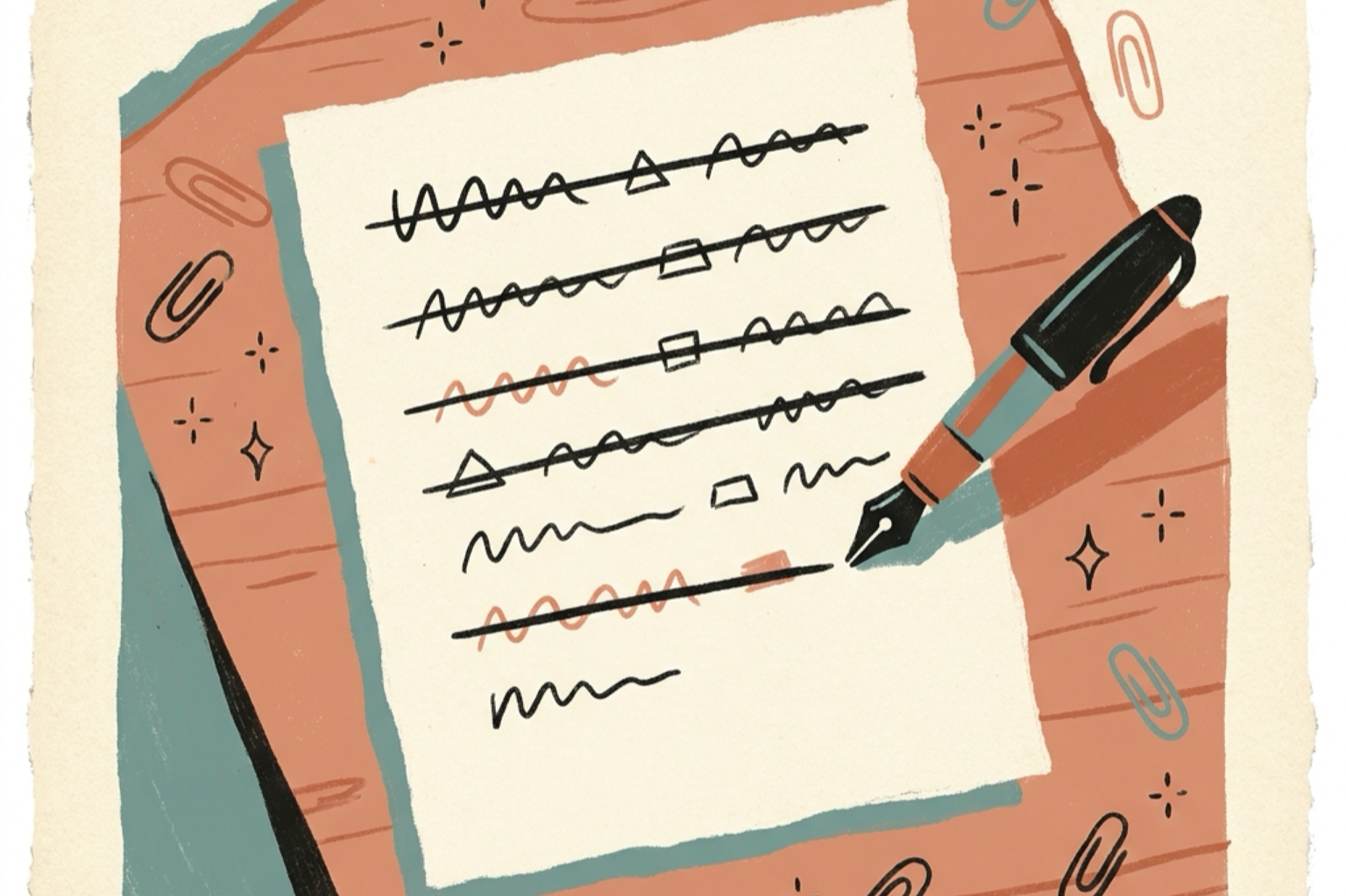
Cross out text in three steps
- Generate the text. Open the free fancy text generator, type your word, and pick the strikethrough style — or its slash-flavored cousin, d̷e̷f̷i̷n̷i̷t̷e̷l̷y̷.
- Copy it. Tap the copy button — the whole crossed phrase comes along.
- Paste it anywhere. Bios, group names, statuses, chats, price lists in captions: the crossed characters are ordinary Unicode text.
No markdown needed, and unlike ~~app markup~~, nothing gets lost when the text leaves the app it was typed in.
Two ways to strike text — only one travels
App markup (~~text~~) | Unicode strike (w̶o̶r̶d̶) | |
|---|---|---|
| How it works | App sees the tildes and draws a line | Stroke is attached to each character |
| Where it renders | Only the app's message composer | Any text field on any platform |
| In bios, names, statuses | Never — tildes show literally | Yes |
| Works on numbers | Yes, in the app | Yes — 5̶0̶%̶ crosses clean |
| Survives copy-paste | Loses the line | Keeps it — the line IS the text |
| Screen readers | Announce strikethrough | Usually read the plain letters |
The last row is a quiet superpower: because a Unicode strike is the original letters plus combining marks, screen readers generally read the underlying word normally instead of spelling out styled letters — the cross-out meaning gets lost, but the word stays intact. Don't rely on the strike to carry meaning; use it as decoration and put the real message in plain text nearby.
Why the line doesn't break (the combining-stroke trick)
Unicode strikethrough isn't a drawn line — it's a combining character (U+0336, the long stroke overlay) attached to every letter it crosses. Your text stays "sold out" underneath; each character just carries a stroke over it. Two practical consequences:
The line runs through spaces too. The generator attaches a stroke to space characters as well — s̶o̶l̶d̶ ̶o̶u̶t̶ keeps one continuous line where a naive approach would break between words. That's why pasted strikes look drawn, not stitched.
Any character can be crossed. Letters, digits, punctuation, even emoji: if it can sit on a baseline, U+0336 can ride on it. This is the opposite of families like bold italic, which have no digit glyphs at all — strikethrough covers everything because it doesn't replace any character.
The slash variant (U+0337) does the same with a short slash: d̷e̷f̷i̷n̷i̷t̷e̷l̷y̷ — a different flavor of "ignore this" for jokes and self-corrections.
Where strikethrough works (and where it wobbles)
| Field | Works? | Notes |
|---|---|---|
| Chat messages everywhere | Yes | The classic crossed-out joke delivery |
| WhatsApp name, About, groups | Yes | Field limits in the WhatsApp guide |
| Discord display name, About Me | Yes | 32/190 character limits |
| Roblox display name | Yes | 20 characters |
| Bios (Instagram, TikTok) | Yes | One crossed word, not the whole bio |
| Price lists in captions | Yes | 9̶9̶.̶9̶9̶ → 7̶9̶.̶9̶9̶ → 𝟱𝟵.𝟵𝟵 reads instantly |
| Search fields | Wobbly | Some search boxes render combining marks with odd spacing |
| Tiny font sizes | Wobbly | The stroke can collide with tight line height |
That last pair of rows is where strikethrough differs from the safer families: the stroke's position depends on the viewer's font, so old search inputs and cramped layouts can render it slightly off. Fine in a chat or a bio; test before you cross out your whole storefront title.
Ready-to-paste strikethrough ideas
- The joke: I̶ ̶d̶i̶d̶n̶'̶t̶ ̶e̶a̶t̶ ̶i̶t̶ — crossed denial, the platform classic
- Price drop: w̶a̶s̶ ̶9̶9̶ → 𝗻𝗼𝘄 𝟰𝟵 — strike for the old price, bold for the new one
- Honest tagline: f̶r̶e̶e̶* — asterisk in plain text doing the fine print
- Discord About Me: s̶l̶e̶e̶p̶i̶n̶g̶ grinding — crossed past, plain present
One crossed element per message. A whole paragraph of strikes reads as censored, not funny.
Frequently asked questions
Why doesn't ~~strikethrough~~ work in my bio?
Because the tildes are markup — they only become a line when an app's message composer parses them, and bios, names, and statuses never get parsed. Paste Unicode struck characters instead: the stroke is attached to the letters themselves, so it renders everywhere text goes.
Is strikethrough one of those fonts that shows as boxes?
Almost never — it's actually the safest family on that front, because nothing is replaced. Your original letters and digits stay exactly as typed; the stroke is an extra combining character layered on top. Even if a device drew the stroke oddly, the letters underneath still read.
Does strikethrough work on numbers and emoji?
Yes — that's unique to this family. Bold italics and script styles have no digit glyphs, but strikethrough adds a mark to any character: 2̶0̶2̶6̶, 5̶0̶%̶, even emoji can carry the line. It's the go-to for crossed-out prices.
Can screen readers read struck text?
Generally they read the plain letters and skip the stroke — so the word comes through intact, without the "crossed out" meaning. Treat the strike as visual humor for sighted readers and keep the real message in plain text for everyone else.
What's the difference between the line and the slash styles?
The same mechanism, different overlay: U+0336 draws a horizontal stroke through each character, U+0337 draws a short slash. Same coverage, same paste-anywhere behavior — pick the vibe you want: d̶e̶l̶e̶t̶e̶d̶ versus d̷e̷l̷e̷t̷e̷d̷.
Cross it out
Open the fancy text generator, type your word, and copy the strikethrough or slashed style. It's free, runs in the browser, and needs no sign-up. For emphasis that doesn't cross out, see the bold and small caps guides — and the platform guides cover exact field rules for WhatsApp, Discord, and Roblox.