Upside Down & Mirrored Text: Copy-Paste Flipped Letters
Upside-down text flips every glyph and reverses the string. How the trick works, which letters stay put, and why editing after pasting breaks it.
Upside-down text — uʍop ǝpᴉsdn — is ordinary text rotated a half-turn: every letter swapped for a flipped lookalike character, and the whole string reversed so it reads correctly from the new direction. It's not a font and nothing rotates at display time; the flip is baked into the characters themselves, so it pastes into any bio, name, or message and stays flipped everywhere. There's a sibling style too: mirrored text, which reflects the letters horizontally instead of rotating them. Both live in the glitch text generator, both are plain Unicode, and both come with one quirk that surprises everyone: because the string is reversed, editing the text after pasting appends at the wrong visual end. This guide covers the mechanics, the letters that survive untouched, and where flipped text is worth using at all.
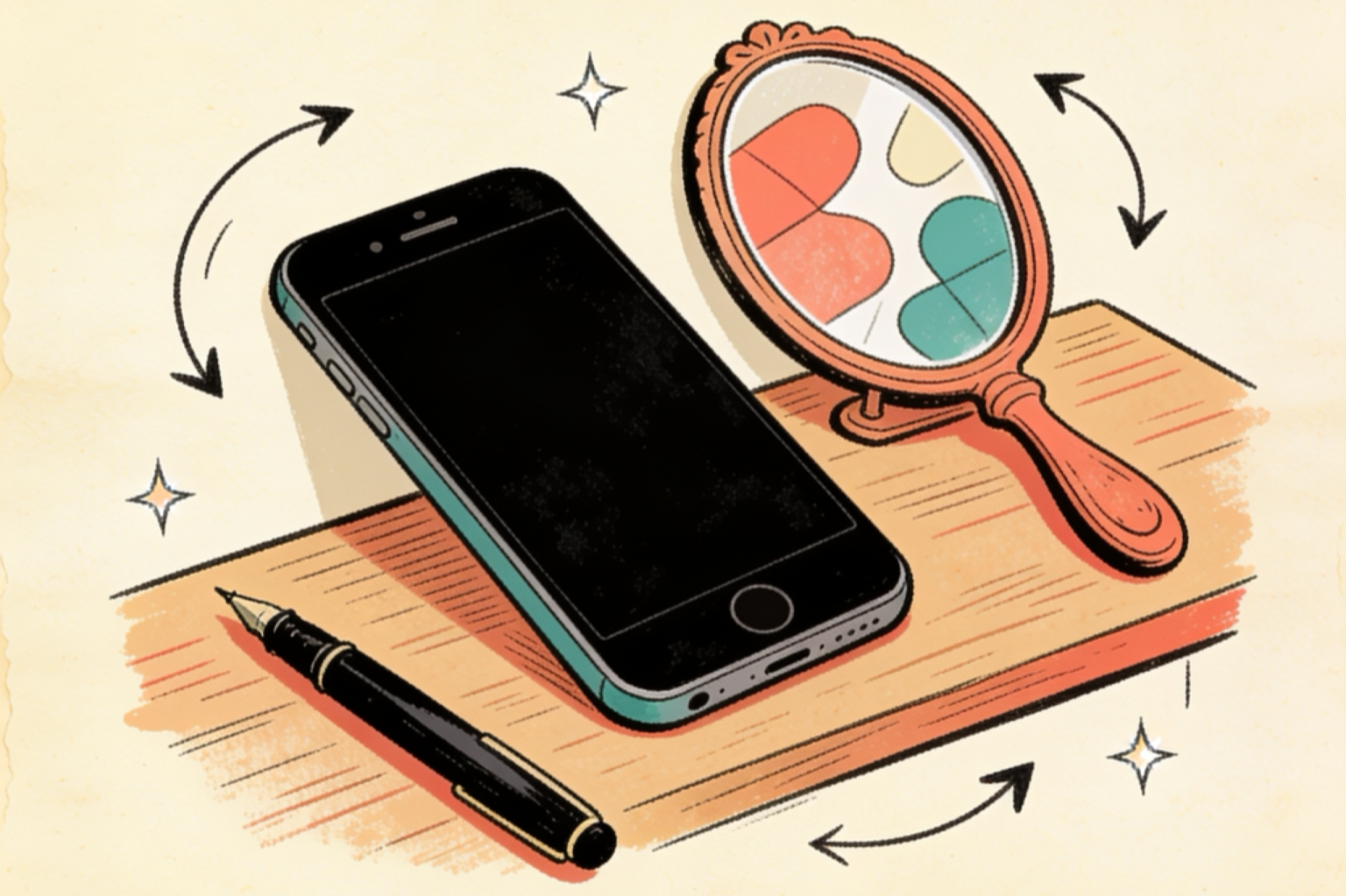
Make flipped text in three steps
- Generate the text. Open the glitch text generator, type your phrase, and choose upside-down or mirrored.
- Copy the whole result. Tap the copy button — the reversal is already done, take all of it.
- Paste it finished. Treat it as a sticker: paste the final phrase, because appending text after pasting lands at the wrong visual end.
No rotation, no image. The flipped look travels inside the characters, so every platform shows the same thing.
How the trick actually works
Rotating text a half-turn takes two operations, and the generator does both:
Swap every glyph. Each letter is replaced by a rotated lookalike from elsewhere in Unicode: h becomes ɥ, e becomes ǝ, p becomes d. Most of these stand-ins come from the International Phonetic Alphabet — characters linguists use to write pronunciation, which happen to include a lot of rotated letterforms.
Reverse the string. This is the step people never guess. If you only flip the glyphs, the text reads backwards even when the page is turned — so the generator reverses the whole string, and "upside down" becomes uʍop ǝpᴉsdn, which reads left-to-right once you rotate the screen. Turn your head (or your phone) and sᴉɥʇ pɐǝɹ noʎ uɐɔ.
Mirrored text does the same two operations with a horizontal reflection instead of a rotation — bɘɿoɿɿim — the look of text seen in a mirror.
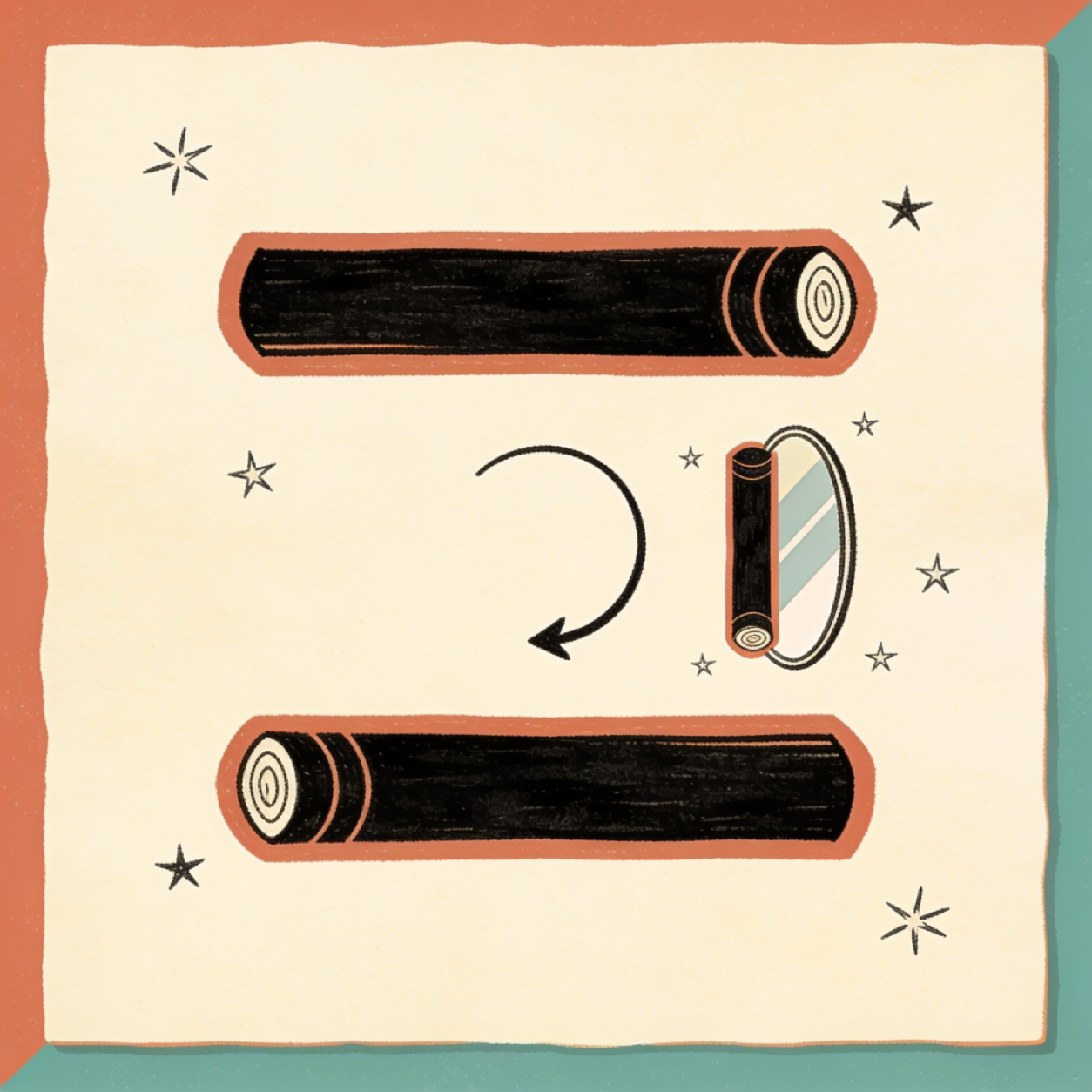
The letters that survive untouched
Some letters are rotationally or horizontally symmetric, so their "flipped" version is themselves:
- Upside-down keeps o, l, s, x, and z exactly as they were — they look the same rotated, so words built from them flip cleanly. "wow" becomes ʍoʍ and "solo" becomes olos — both built entirely from letters that survive the flip, which is why they read so cleanly upside-down.
- Mirrored keeps the even friendlier set: i, l, m, n, o, u, v, w, x, y, z — and that produces a party trick: "mom" and "wow" mirrored are... "mom" and "wow". The words are their own mirror image.
The rest of the alphabet relies on approximations from other writing systems — ɐ, ɔ, ʇ, ʞ — and the digits are the same story: 2 borrows the Korean letter ㄹ, 6 borrows an Arabic digit shape. Everything still reads as the intended character on every platform; it's just that Unicode never built a perfect flipped alphabet, so the generator assembles one from the closest existing pieces.
Where flipped text works (and where it fails)
| Field | Works? | Notes |
|---|---|---|
| Display names | Yes | Short words read best |
| Chat messages | Yes | The "can you read this" game |
| Bios | Yes, one word | A whole flipped bio is unreadable |
| Group names | Yes | Small communities, big effect |
| Roblox display name | Yes | 20 characters — see the Roblox guide |
| Usernames and @handles | No | Plain letters only |
| Anything someone might edit later | Avoid | Editing reversed text is disorienting |
That last row is the flip-specific warning. Because the string is stored reversed, adding a letter after pasting puts it at the visual start, and backspacing feels wrong. Compose the full phrase in the generator, copy once, paste once.
Ready-to-paste flipped ideas
- The game: sᴉɥʇ pɐǝɹ noʎ uɐɔ — the classic "can you read this" reply
- Short name flip: ʍoʍ or ɯoɯ — the words that barely change, which is the joke
- Mirror trick: type "mom" or "wow" into the mirrored style and watch nothing happen
- Bio accent: ollǝɥ — "hello" flipped, greeting at an angle
One flipped word per profile. An entire bio upside-down is a puzzle nobody asked to solve.
Frequently asked questions
How does upside-down text work without a special font?
Two Unicode moves, both baked into the text: each letter is replaced by a rotated lookalike character (many from the phonetic alphabet), and the whole string is reversed so it reads correctly from the flipped direction. Nothing rotates at display time — the flip travels inside the characters.
Why did my flipped text get messed up when I edited it?
Because the characters are stored in reverse order. Adding a letter after pasting appends it to the visual start of the phrase, and deleting feels reversed too. Generate the complete phrase, copy it once, and paste it as a finished sticker rather than editing in place.
Are there flipped numbers and punctuation?
Yes, as close approximations: 2 becomes ㄹ (borrowed from Korean), 6 borrows an Arabic digit shape, and question and exclamation marks flip into their Spanish inverted cousins — "hello?!" flips to ¡¿ollǝɥ. Every platform renders the same approximations, so the look is consistent everywhere.
Which letters look unchanged when flipped?
The symmetric ones: o, l, s, x, and z survive a half-turn untouched, and mirrored text keeps the bigger set i, l, m, n, o, u, v, w, x, y, z. That's why "mom" and "wow" mirrored come out identical — the words are their own mirror image, which makes them the cheapest magic trick on the internet.
Is flipped text readable by screen readers?
Poorly — the reversed order and stand-in characters confuse assistive tech just like zalgo does, though less catastrophically. Keep real names and functional text plain, and use flips for decoration and games.
Flip something
Open the glitch text generator, type your phrase, and choose upside-down or mirrored. It's free, runs in the browser, and needs no sign-up. For the corrupted sibling, see what zalgo text is; for calmer styles, the small caps guide and the fancy text generator cover the rest of the family.